⇐ My apps
Parchment
Write and edit plain text.
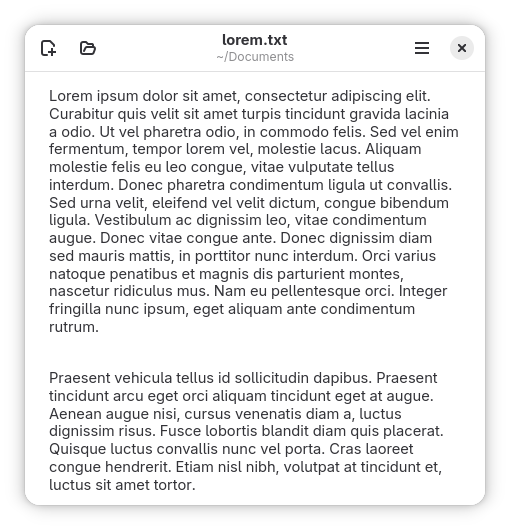
Parchment is a plain text editor. It is intended for writing prose and computer code.
Parchment supports keyboards, mice, and even touch screens as inputs. It should also display text in any human language so long as fonts are installed for them.
Parchment has an intentionally small set of features specifically chosen to reduce friction between the user and their work. Parchment won’t interrupt a writing session and time will not need to be spent learning unusual features.
Parchment can be installed on Linux from Flathub. Its source code is available on Codeberg, and bug reports may be filed there as well.
Advanced Features
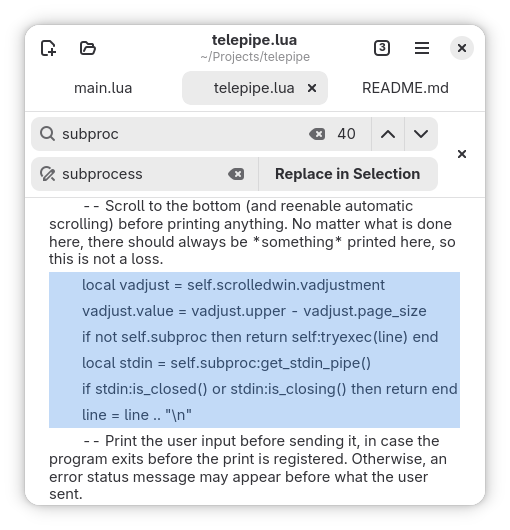
Parchment has a few hidden features intended mainly to be used when programming:
- The font can be changed by changing your system’s documents font
- In GNOME, this can be done using Tweaks
- A file’s indentation can be changed to tabs or spaces from the right-click context menu
- The cursor can be moved to a specific numbered line from the context menu
- Find/Replace can be applied to a specific block of text by highlighting it first